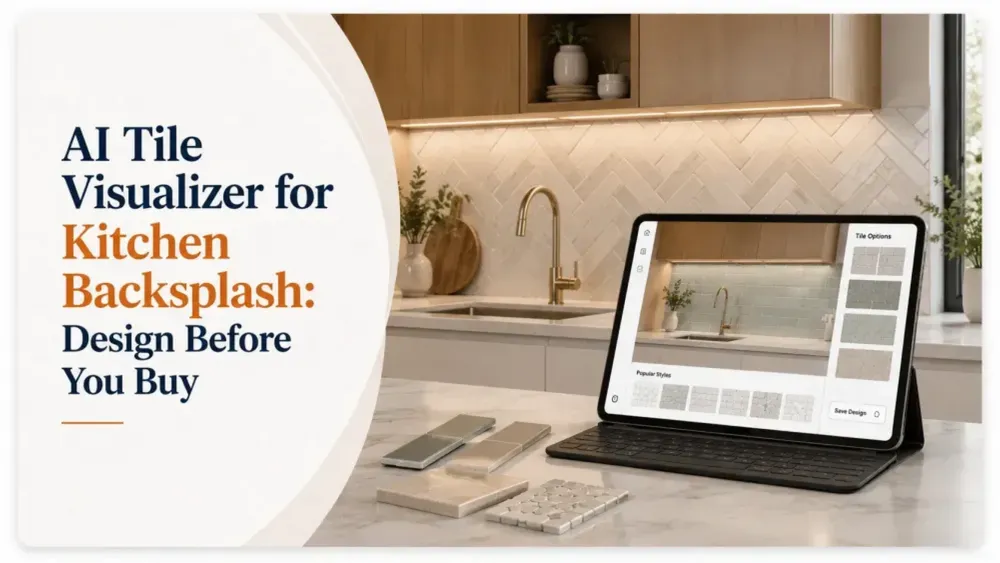
Choosing a kitchen backsplash can feel simple, until you start comparing tile colors, patterns, sizes, finishes, and layouts against your actual cabinets and countertops.
A tile that looks perfect in a showroom or product photo may create an entirely different effect in your kitchen.
That is where an AI tile visualizer for kitchen backsplash design can change the buying experience.
Instead of relying only on imagination, samples, or static product images, homeowners and design professionals can visualize different backsplash tiles in a kitchen before making a purchase. For tile manufacturers, retailers, distributors, and showrooms, the same technology can help turn product discovery into a more interactive and confident buying journey.
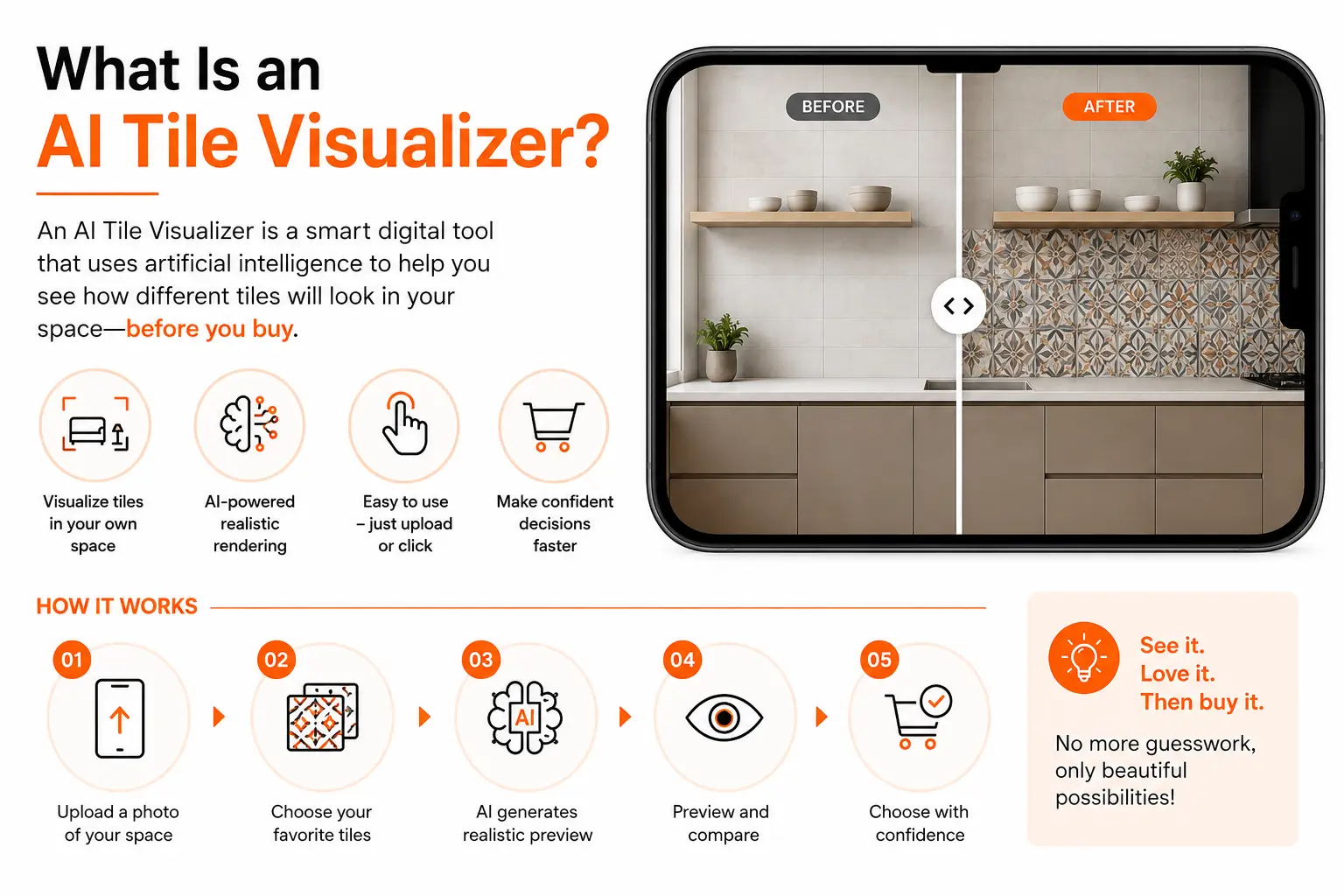
An AI tile visualizer is a digital visualization tool designed to show how a selected tile could look inside a room.
The process is straightforward:
Instead of asking buyers to imagine the finished space, visualization brings the product into the context that matters most: their own room.
For a backsplash in particular, this can be valuable because the surrounding materials strongly influence how a tile appears.
White subway tile beside dark cabinetry creates one effect. The same tile beside white cabinets and pale countertops can create another.
Visualization helps reveal those differences earlier in the buying process.
A backsplash occupies a relatively small part of a kitchen, but it can have a major visual impact.
Buyers need to consider several elements at once:
Looking at an individual tile rarely provides enough context.
A bold geometric pattern might look attractive in a catalog but feel overwhelming across an entire backsplash. A subtle neutral tile might appear ordinary as a sample but work beautifully once paired with the kitchen's existing surfaces.
An AI backsplash visualizer helps bridge the gap between seeing the product and understanding the finished design.
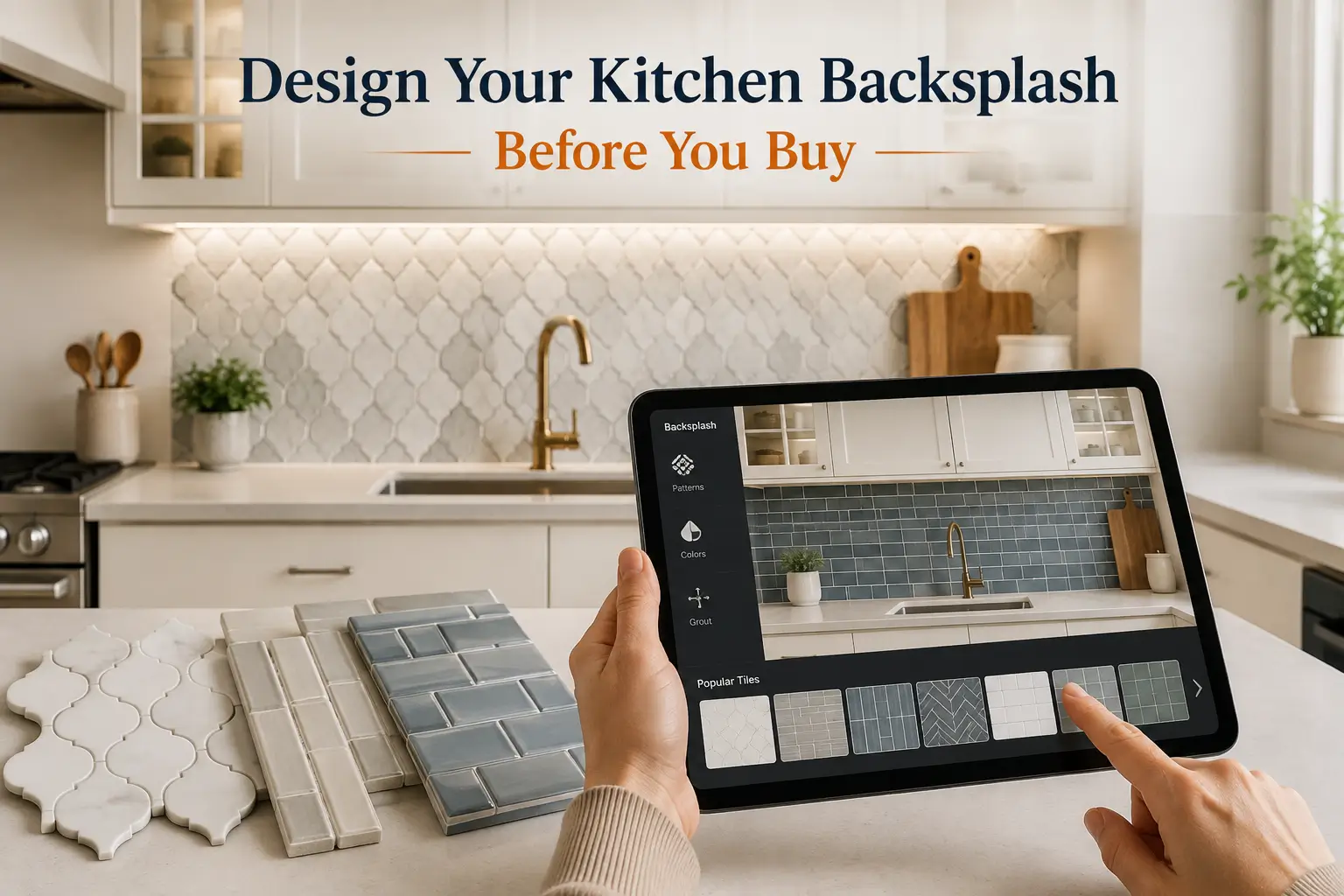
Traditional tile shopping often follows a familiar process.
You browse collections, order or collect samples, bring them home, place them against the wall, and try to picture how hundreds of installed tiles will look together.
Digital visualization adds another step before commitment.
You can experiment first.
Compare warm beige, bright white, charcoal, green, blue, terracotta, or other shades against the existing kitchen.
Color relationships become much easier to evaluate when the tile is shown alongside cabinets and countertops.
Compare Tile Patterns
Patterns can dramatically change the character of a backsplash.
A visualizer can help buyers explore options such as:
Instead of evaluating the pattern in isolation, buyers can see how visually dominant it becomes in the room.
Perhaps the original plan was a simple white backsplash.
After visualizing several alternatives, a homeowner might discover that a warmer stone look complements the countertop better, or that a decorative feature backsplash creates the contrast the kitchen was missing.
Visualization makes experimentation easier because changing the design does not require installation.
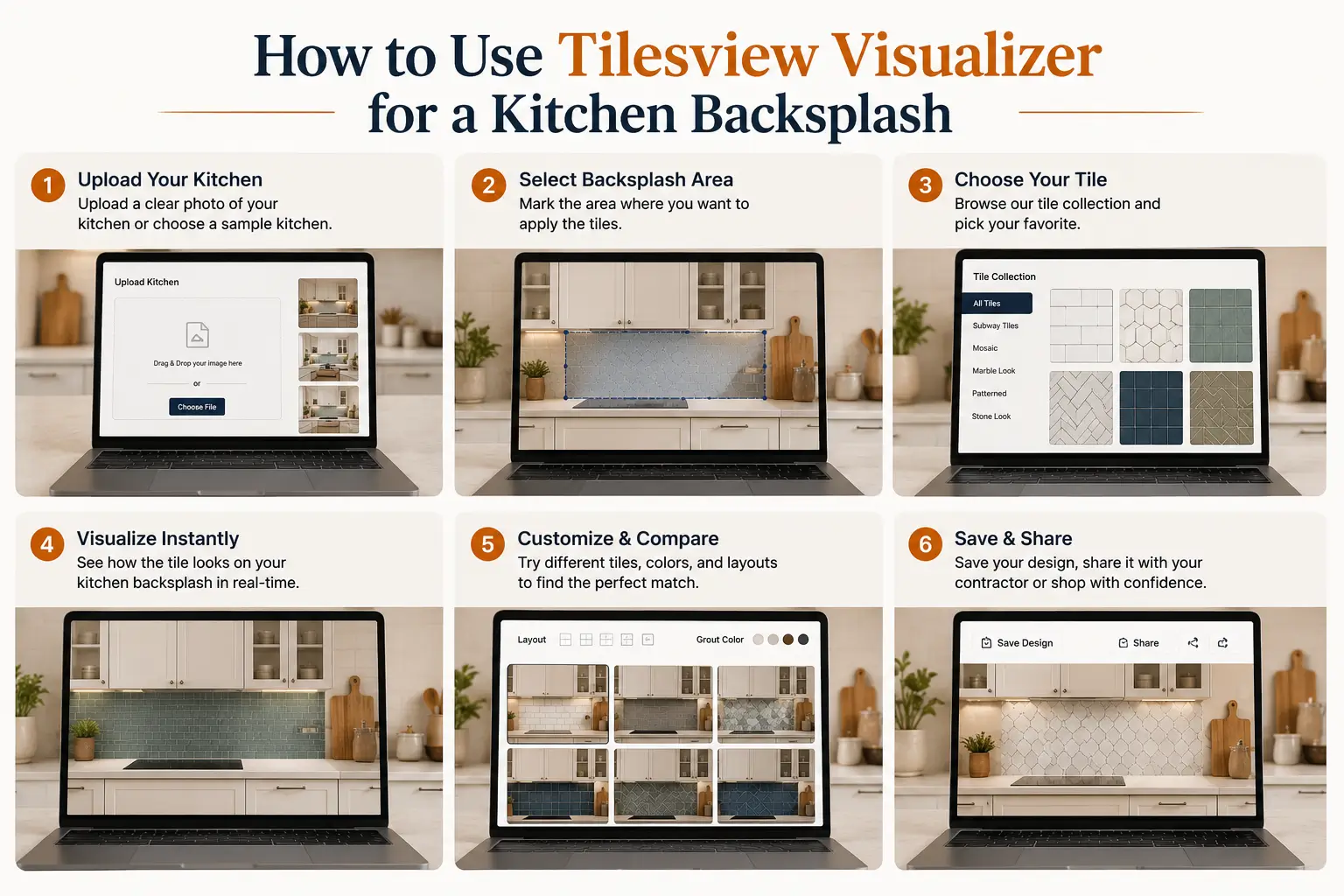
The exact workflow depends on the visualization platform, but the experience is typically designed to remove as much friction as possible.
Start with a clear image of the kitchen.
A well-lit, straight-facing photo usually provides the best foundation for evaluating backsplash options.
Browse available tile products and select the design you want to explore.
This is where visualization becomes particularly valuable for brands and retailers: shoppers can move directly from discovering a product to seeing it in a realistic room context.
Apply the selected surface to the relevant kitchen area.
The goal is not simply to display a tile texture. It is to help the shopper understand how that product contributes to the overall design.
Don't stop at the first option.
Try several combinations and compare them based on:
This turns visualization into a practical decision-making tool rather than simply a design novelty.
Once shoppers find a look they prefer, the next step should be simple: explore the product, request information, visit a dealer, contact the supplier, or continue toward purchase.
For tile businesses, this connection between visualization and product discovery is especially important.
| Traditional Process | AI Visualization Experience |
|---|---|
| View individual samples | See tile in room context |
| Imagine the finished backsplash | Preview the design visually |
| Compare a limited number of physical samples | Explore multiple designs digitally |
| Depend heavily on product photography | Use the buyer's own kitchen as context |
| Decide first and see the full result after installation | Explore before committing |
Physical samples still have an important role because buyers may want to inspect texture, finish, and material in person.
AI visualization complements that process by answering a different question:
“What could this tile look like in my kitchen?”
The strongest tile-buying experiences do more than display products.
They help customers picture the finished space.
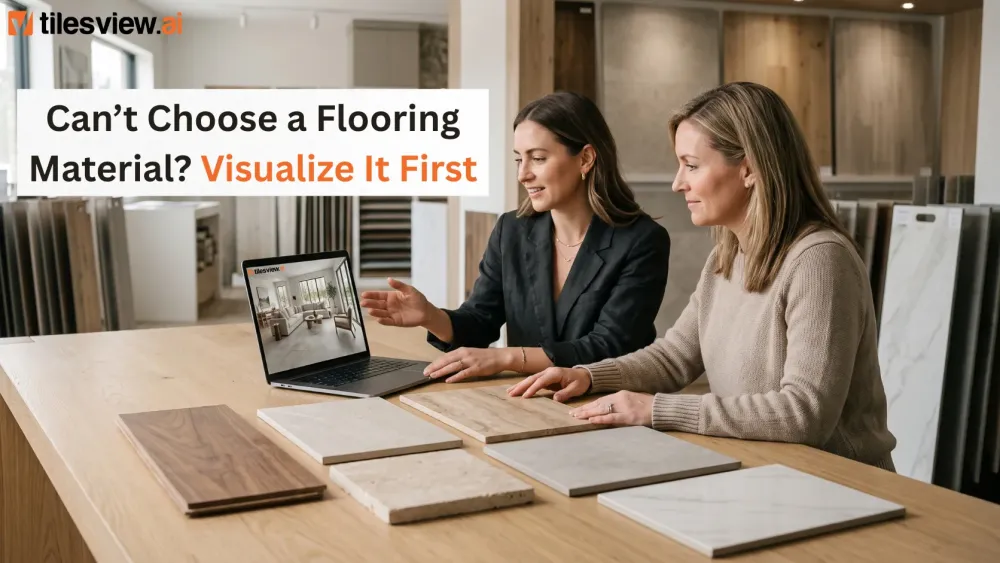
Tilesview’s tile visualizer for kitchen backsplash design connects inspiration with product selection by allowing shoppers to explore tile options in a more relevant context before they buy.
For homeowners, that means greater confidence when narrowing down a design.
For tile manufacturers, retailers, and distributors, it creates an opportunity to make digital catalogs more interactive and move buyers more naturally from product discovery toward inquiry or purchase.
Tilesview helps tile businesses create interactive visualization experiences that connect digital products with real spaces.
If you're a tile manufacturer, distributor, retailer, or showroom looking to modernize how customers discover and evaluate your collections, visualization can become a powerful part of your digital sales experience.
Let customers see the tile before they buy it.
Explore Tilesview and discover how AI-powered visualization can transform your tile catalog into a more interactive buying journey.
Ready to give buyers a better way to choose tiles? Book a Tilesview demo.

Anand Bhoraniya is a technology entrepreneur and visualization innovator at Tilesview, specializing in AI-powered room visualization software for tile, flooring, paint, and wall covering brands. He regularly shares insights on AI visualization trends, virtual showroom experiences, personalized design technology, warm minimalist interiors, and photorealistic room design solutions.
Get the latest insights on room visualizer, interior design trends, and product updates delivered to your inbox.
No spam. Unsubscribe anytime.